
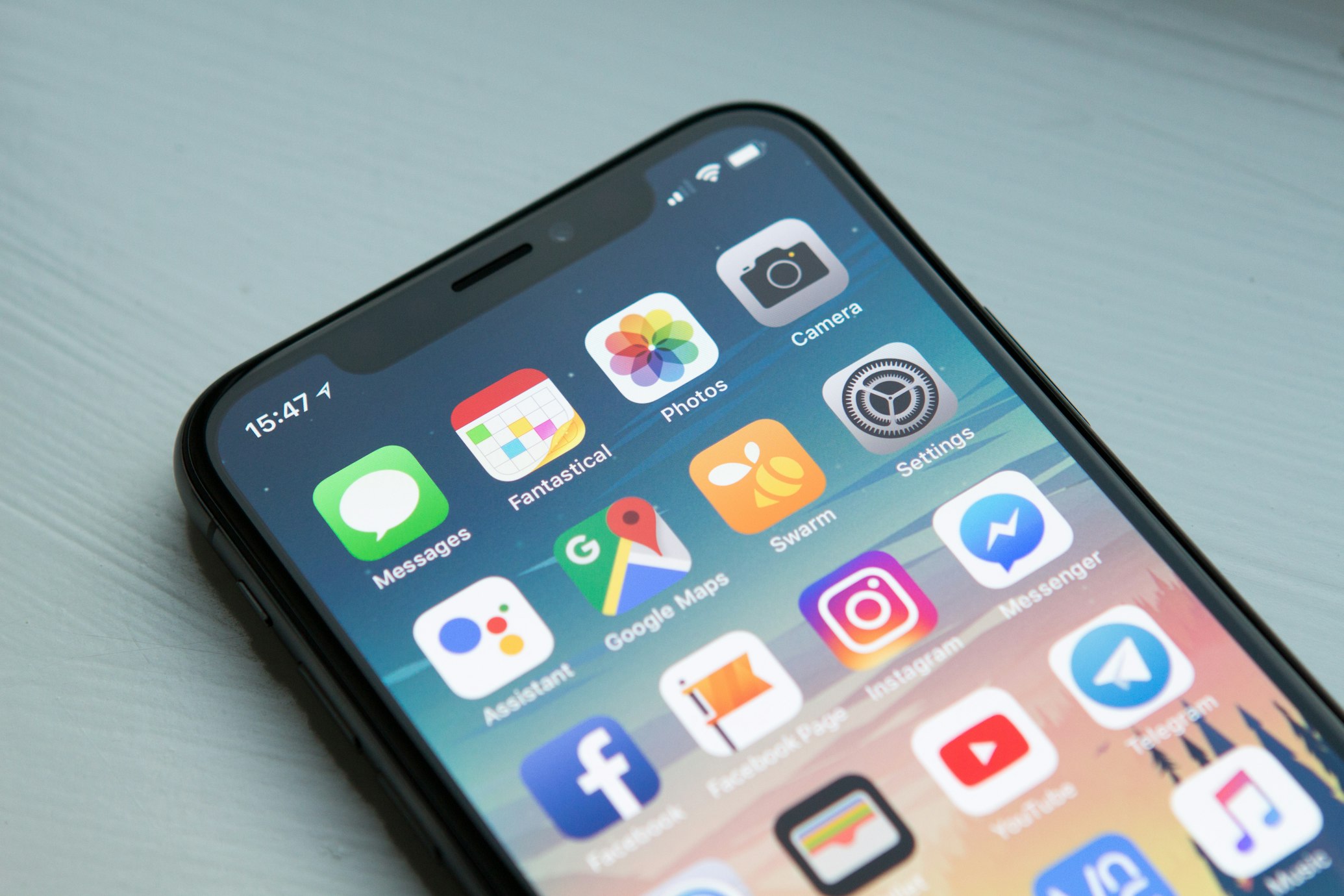
Benefits of Future-Ready PWAs
Responsive Interaction
PWA designs ensure your platform looks and feels native across mobile, tablet, and desktop screens.
Offline Connectivity
Leveraging Service Workers to allow users to interact with your app even without an active internet connection.
Web Push Notifications
Re-engage users instantly with push alerts directly to their primary device screens, boosting retention.
App-Like Experience
Add to Home Screen capability allows users to install your PWA without visiting an app store.
Lightning Fast Performance
Fast loads, especially on repeat visits, via intelligent service-worker caching and optimized assets for a frictionless UX.
Search Engine Friendly
Unlike native apps, PWAs are fully indexable, significantly improving your platform's discoverability.
Explore Our PWA Services
PWA Strategy & Consultation
Mapping out your digital goals to identify the PWA implementation roadmap.
Custom PWA Development
End-to-end PWA engineering by AI-augmented developers who draft the boilerplate with AI and review every line.
PWA Maintenance & Support
Monitoring and progressive feature updates for your live app.
Native to PWA Migration
Refactoring existing native apps or legacy web apps into modern PWAs.
What a PWA Can Do on iOS vs Android
The same PWA behaves differently on each platform, mostly because every browser on iPhone uses Apple's WebKit engine. Planning for these gaps up front is what separates a PWA that feels native from one that disappoints on half your users' phones.
Android & desktop Chrome / Edge
- An install prompt you can trigger from your own button, plus listing in Google Play through a Trusted Web Activity if you want a store presence.
- Web push notifications from the browser, with or without installing.
- Background sync, share target, file handling and hardware APIs such as Web Bluetooth and Web NFC on supported devices.
iPhone & iPad
- No automatic install prompt - users add the app from the Share menu, so we design an in-app hint that shows them how.
- Web push and app badges work only after the PWA is added to the Home Screen and the user grants permission.
- No background sync and no Bluetooth or NFC access, and storage for sites that are not installed can be cleared after a period without use.
Offline Strategy: Cache-First or Network-First?
Working offline is not one switch - the service worker needs a caching strategy for each kind of request. Getting this wrong is the most common PWA bug: users either see stale prices for days or a blank screen on a train.
Cache-first suits the app shell, fonts, icons and versioned scripts: they load instantly from the cache and only update when a new build is deployed. Network-first suits data that must be current - account balances, stock levels, order status - with the cached copy as a fallback when the connection drops. Stale-while-revalidate sits between them for content like product listings or articles: show the cached version now, refresh it in the background.
For apps where users create data offline - field inspections, orders, forms - we queue changes in IndexedDB and sync them when the connection returns, with clear conflict rules. We also plan how a new service worker takes over, so users are never stuck on an old version after a release.
PWA or Native App? How to Decide
A PWA is the better choice when most users arrive from search, links or ads, when you want one codebase and instant updates without store review, and when the app is mainly forms, content, catalogues or dashboards. A native or cross-platform app is the better choice when you rely on iOS push for re-engagement from day one, need Bluetooth, NFC, background location or heavy camera and media work, or your users expect to find you in the App Store.
Many products start as a PWA to validate demand and add a native app later, reusing the same APIs. Whichever you choose, performance decides whether people stay: we treat Lighthouse audits and the Core Web Vitals - Largest Contentful Paint, Interaction to Next Paint and Cumulative Layout Shift - as acceptance checks on every release, and measure them on real mid-range phones, not only a fast development laptop.
Pixel-perfect software, delivered at AI speed
PixoBots stands for Pixel & Bots. Our Bots are dedicated developers who work with AI tools: AI takes the repetitive work, a developer reviews every line, and the result is pixel-perfect.
Pixel
Polished UI and clean, tested code - detail is part of the job, not an afterthought.
Bots
Dedicated developers, trained in-house on AI tools, who join your team and use AI for boilerplate, tests and documentation.
Savings
AI-assisted delivery can save more than 50% of development cost compared with traditional development.
PWA Frequently Asked
What is a Progressive Web App (PWA)?
A PWA is a website that behaves like an app - installable to the home screen, works offline, and sends push notifications - using modern web standards instead of an app-store download.
How is a PWA different from a native app?
A PWA runs from one codebase across all platforms via the browser, with no app-store gatekeeping or separate iOS/Android builds, while still offering app-like speed and offline use.
What are the main benefits of building a PWA?
Lower cost, a single codebase, instant updates, no install friction, better reach via the web, and strong performance - ideal for fast time-to-market.
What technology stack do you use for PWAs?
We build PWAs with modern frameworks such as React and Next.js, service workers for offline/caching, and web app manifests for installability.
How long does it take to develop a PWA?
A focused PWA typically takes 6-12 weeks depending on features; we phase delivery so a usable version ships early.
Will my PWA work on both iOS and Android?
Yes. PWAs run on iOS, Android and desktop from one codebase; we account for platform differences (such as iOS push support) during design.
How do you handle PWA security and data privacy?
PWAs are served over HTTPS by default; we add secure authentication, encrypted storage and privacy-by-design data handling designed around GDPR requirements.
What is the cost comparison between PWA and Native?
A PWA is usually significantly cheaper than building and maintaining separate native iOS and Android apps, because it's one codebase with one delivery and update pipeline.
Can my PWA handle push notifications for all browsers?
Push works across Android and most desktop browsers, and on iOS for installed PWAs on recent versions; we implement the right strategy per platform.
How do you ensure PWA performance on low-end devices?
We optimize with code-splitting, lazy loading, efficient caching via service workers and lightweight assets, so the app stays fast even on modest hardware and networks.