

Mastering the Apple Ecosystem
iPhone development is not just about writing code; it's about creating an experience that feels at home on the world's most premium devices. Our iOS team specializes in building applications that are fast, secure, and intuitive.
We help businesses navigate the complexities of iOS development—from Swift and SwiftUI to complex integrations with iCloud, Core ML, and ARKit.
Peak Performance
Optimized code for smooth 120Hz ProMotion displays.
Built-In Security
Deep integration with FaceID, TouchID, and App Sandbox.
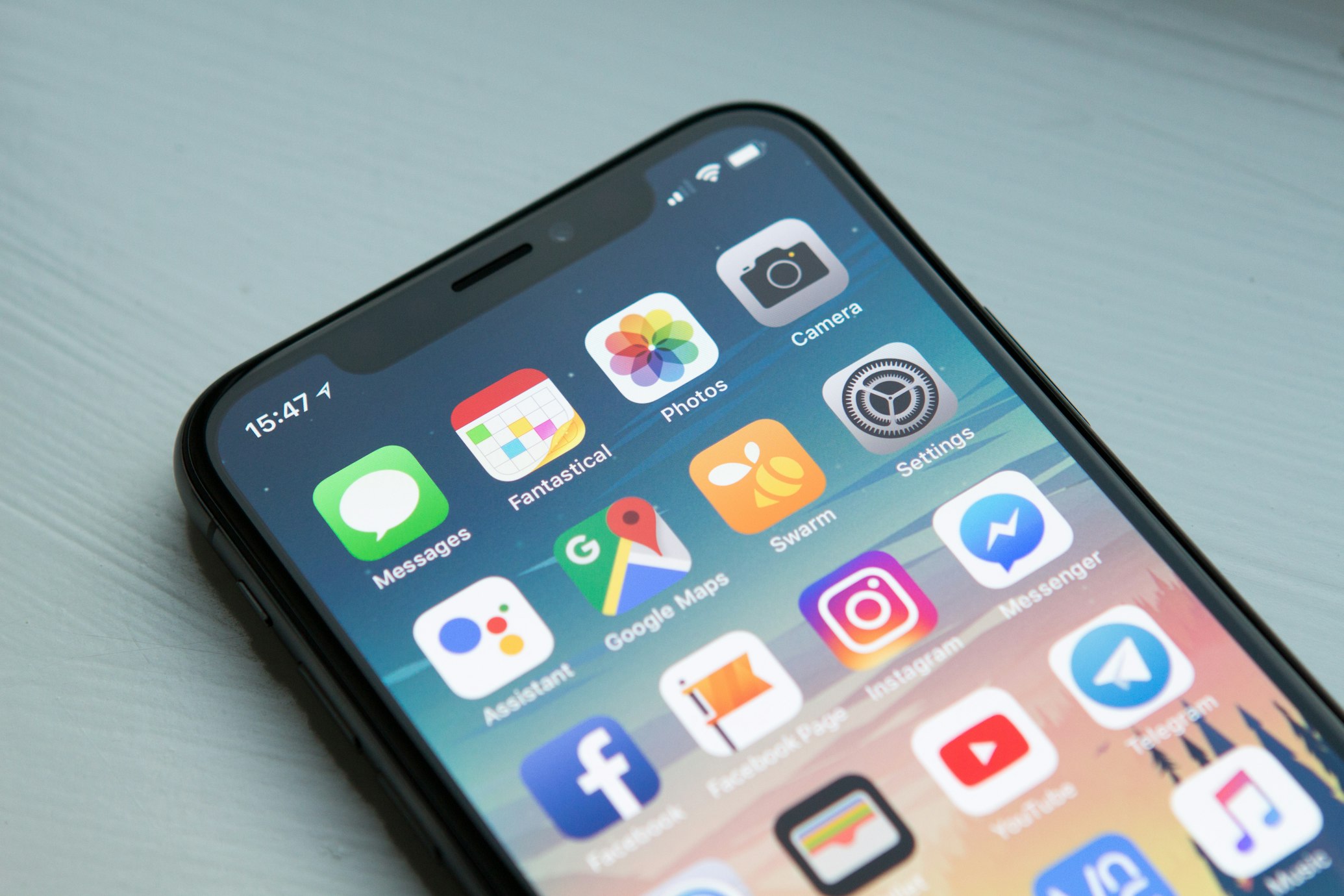



Building the Next Generation of Apps
Comprehensive iPhone Solutions
We cover every aspect of the iOS platform, keeping your application ready for each new version of iOS.
Custom iOS Architecture
Scalable apps built with MVVM or Clean Architecture for long-term maintainability and performance.
- SwiftUI & Combine
- UIKit Legacy Support
Multi-Device Ecosystem
Extend your reach with companion apps for Apple Watch, iPadOS, and tvOS with seamless Handoff support.
- watchOS Complications
- Catalyst Desktop Apps
Enterprise iOS Security
Deployment strategies for internal corporate use via MDM and private App Store Distribution.
- Biometric Auth
- End-to-End Encryption
Why Partner with PixoBots for iOS?
We plan every iPhone app around your business goals, so it works as a competitive advantage rather than just a tool.
App Store Submission
We handle the entire submission process and check your app against Apple's App Review and Human Interface Guidelines.
AI-Augmented iOS Developers
Your dedicated developer uses AI tools to draft SwiftUI views, XCTest suites and SDK-upgrade fixes, then reviews every line against current Swift best practices - faster delivery, clean code.
2008
Founded
24h
Reply to inquiries
100%
Code & IP ownership
NDA
Signed before kickoff
SwiftUI or UIKit in an existing app?
For a new iPhone app, SwiftUI is the default: less code per screen, live previews, and first access to the newest system features such as interactive widgets. Most established apps, though, still have a large UIKit codebase, and rewriting it in one go is rarely worth the risk.
The two frameworks interoperate well. We add new screens in SwiftUI and host them inside the existing navigation with UIHostingController, wrap proven UIKit components with UIViewRepresentable where SwiftUI still falls short - complex collection layouts, rich text editing, some camera flows - and migrate older screens only when they are being changed anyway. The result is a codebase that moves forward feature by feature, without a freeze on releases while a rewrite happens.
The same incremental approach applies to Swift concurrency: we move callback-based networking and Combine pipelines to async/await where it simplifies the code, and turn on stricter concurrency checking module by module so data-race warnings get fixed rather than suppressed.
App Review, privacy rules and TestFlight
Most App Store rejections are predictable. Common causes are a login wall with no demo account for the reviewer, digital goods sold outside In-App Purchase, account creation without in-app account deletion, placeholder content, crashes on a device the team never tested, and metadata or screenshots that do not match the app. We check these before every submission rather than after a rejection.
Privacy is now part of the build, not just the policy page. Apps and the third-party SDKs inside them need a privacy manifest that declares the data they collect and the required-reason APIs they call, and the App Store privacy label has to match. If your app or an ad or analytics SDK tracks users across other companies' apps and websites, App Tracking Transparency requires the system permission prompt first - and the app must still work properly when the user says no.
Before release, builds go to TestFlight. Internal testers on your team get new builds as soon as they are processed; external testers - customers, a pilot group, a client's staff - need a short Beta App Review of the first build. We use these rounds to collect crash reports and feedback on real devices, so the public release is the version that has already been through real-world use.
Widgets, App Intents and Apple Watch
Users increasingly meet an iPhone app outside the app itself. These extensions are often where an app earns its daily use:
Widgets & Live Activities
Home Screen, Lock Screen and StandBy widgets built with WidgetKit, plus Live Activities for orders, deliveries or timers that update in real time.
App Intents
Expose your app's key actions to Siri, Shortcuts, Spotlight and interactive widgets, so users can act without opening the app.
Apple Watch
Companion watchOS apps and complications that share data with the iPhone app for quick glances, workouts and notifications.
Because widgets and watch apps run as separate targets with tight memory and refresh budgets, we plan shared data through App Groups and keep the business logic in a shared Swift package from the start, rather than bolting extensions on later.
Pixel-perfect software, delivered at AI speed
PixoBots stands for Pixel & Bots. Our Bots are dedicated developers who work with AI tools: AI takes the repetitive work, a developer reviews every line, and the result is pixel-perfect.
Pixel
Polished UI and clean, tested code - detail is part of the job, not an afterthought.
Bots
Dedicated developers, trained in-house on AI tools, who join your team and use AI for boilerplate, tests and documentation.
Savings
AI-assisted delivery can save more than 50% of development cost compared with traditional development.
iOS Development Insights
Common questions about building for the world's most advanced mobile platform.
Why choose Swift over other languages for iPhone development?
How long does it take to get an app approved on the App Store?
Can you convert my existing Android app to iOS?
Do you support iPad and Apple Watch too?
Should we rewrite our UIKit app in SwiftUI?
What is a privacy manifest and does my app need one?
Ready to Build Your iPhone App?
Let our iOS engineers turn your idea into a polished, App Store-ready app your users will love.