
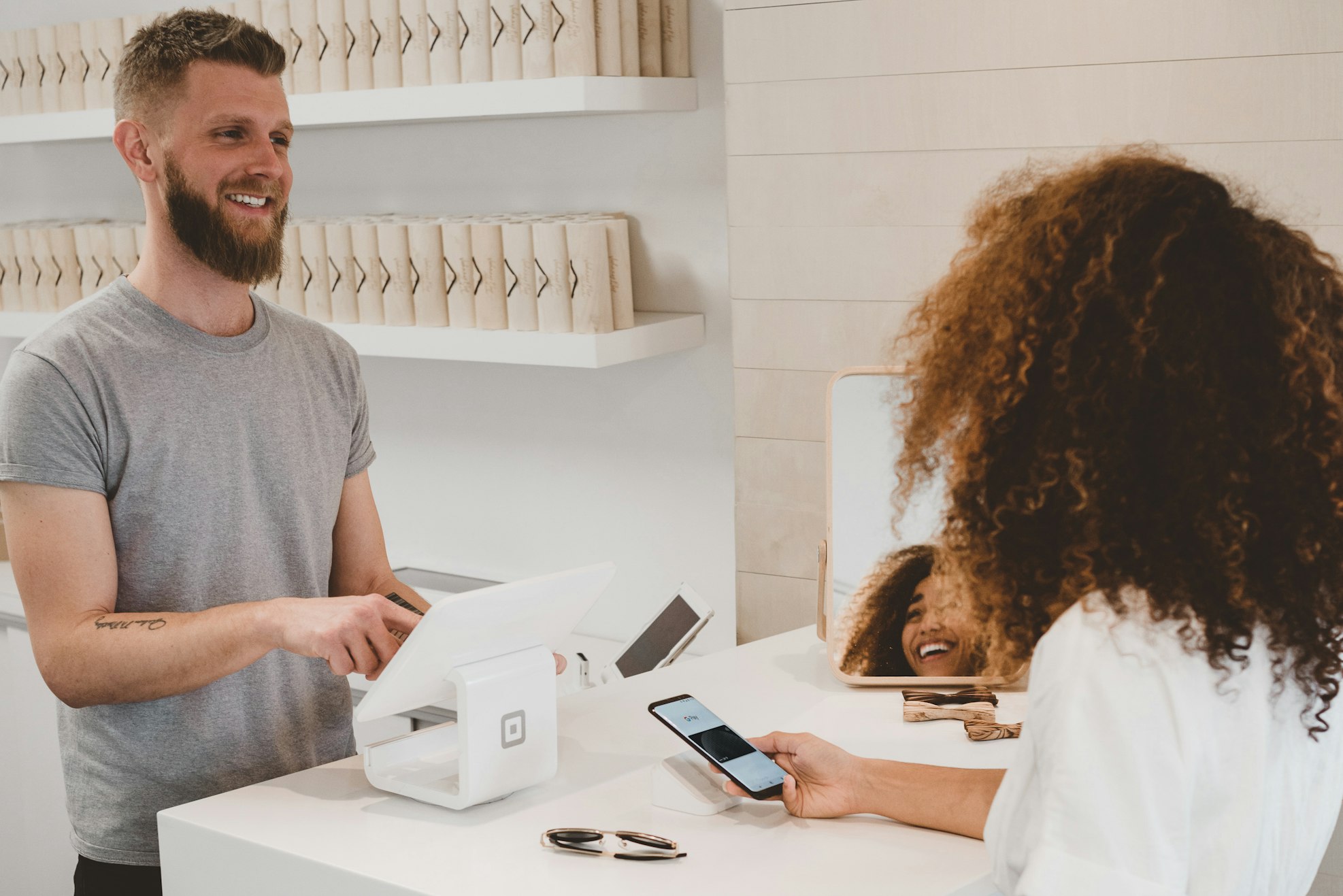
The Checkout Is Where Retail Actually Happens
The point of sale is the moment a transaction completes — the till calculates what's owed, takes payment, and issues the receipt. Get it wrong and you feel it in every queue, every shift reconciliation and every stock count.
Our POS does away with price tags entirely: the price lives on the product code, so the cashier scans and moves on. Change a price once and it's changed at every register. Every sale writes straight back to inventory, so stock is a fact, not an estimate.
No More Price Tags
Price is tied to the product code. Change it once; every till knows instantly.
Queues Move
A register simple enough that a new hire is serving customers the same day.
Stock That Reconciles
Every sale updates stock in real time, so the count matches the shelf.
Everything the Till Needs
Built from what actually goes wrong on a shop floor.
Fast Transactions
An intuitive register built for speed — staff serve customers, they don't fight the software.
Split & Multi-Payment
Take several payment types on one sale, or split a single bill several ways in a few taps.
Refunds Without a Receipt
Process returns and refunds from the current shift or an earlier one — even if the customer lost the receipt.
Deposits & Part-Payment
Let customers put money down and pay the rest later instead of walking away from the sale.
Custom Discounts
Senior, staff or seasonal discounts — require manager approval where it matters, and track usage over time.
Loyalty & Stock Control
Run a loyalty scheme and keep tighter stock control from the same sale data.
Planning for a Reliable Connection
Every shop loses its connection eventually — a router fails, the provider has an outage, or the stockroom is a dead spot. PixoBots POS is a connected, online system: stock, prices and sales stay consistent across tills and stores because every transaction is recorded centrally as it happens. That also means the till needs a working connection to trade, so connectivity deserves the same planning as the hardware.
In practice that means a business-grade broadband line, a mobile-data backup router that takes over automatically if the main line fails, and Wi-Fi coverage checked at every till position, including the stockroom. Card terminals need a connection to authorise payments too, so the same backup protects card sales. It is also worth agreeing a simple outage procedure with staff - such as a manual sales log to enter once service returns - so the counter is never left guessing.
What to Settle Before Go-Live
The software is only one part of a working checkout. These are the decisions that shape the rest.
Hardware
List every device the counter needs — screen or tablet, barcode scanner, receipt printer, cash drawer, card terminal and, for some trades, a scale or label printer. Check how each connects (USB, Bluetooth or network) and confirm drivers on the operating system you plan to use before buying in bulk.
Payments and PCI DSS Scope
PCI DSS applies to any business that takes card payments, and its scope covers every system that stores, processes or transmits card data. Using a payment terminal or gateway that handles the card itself keeps raw card numbers away from the POS, which narrows that scope considerably. Compliance remains the merchant's responsibility, confirmed with your acquirer.
Inventory and Product Data
Your product list is the foundation. Before go-live, clean up barcodes, remove duplicate items and agree how variants such as size and colour are recorded. If stock also sells online, decide which system is the master for quantities so the till and the website never disagree.
Staff Access and Controls
Give each cashier their own login rather than a shared one, so every sale, void and refund is traceable. Decide which actions need a manager — large discounts, no-receipt refunds, opening the drawer without a sale — and make the end-of-shift cash count part of the routine.
When a Tailored POS Is Worth It
A subscription POS suits a single shop with a simple catalogue. A tailored system makes sense when your trade has rules a generic till does not understand — deposits on made-to-order items, prescription or measurement details attached to a sale, trade pricing for account customers — or when the till must talk to an existing ERP, accounting package or warehouse system.
Switching from an existing POS typically means exporting products, customers and open balances such as deposits or gift vouchers, then mapping them into the new system and checking totals before the first trading day. Running a single till or store first, then expanding, keeps the risk small. With PixoBots, you own the code and IP, and pricing is transparent and milestone-based.
See It on a Real Till
Book a walkthrough and we'll run your own products and prices through it.